Everything the announcer's table needs.
Record once. Schedule it. Press one button for anything urgent. And keep every other Mac sound off the PA.
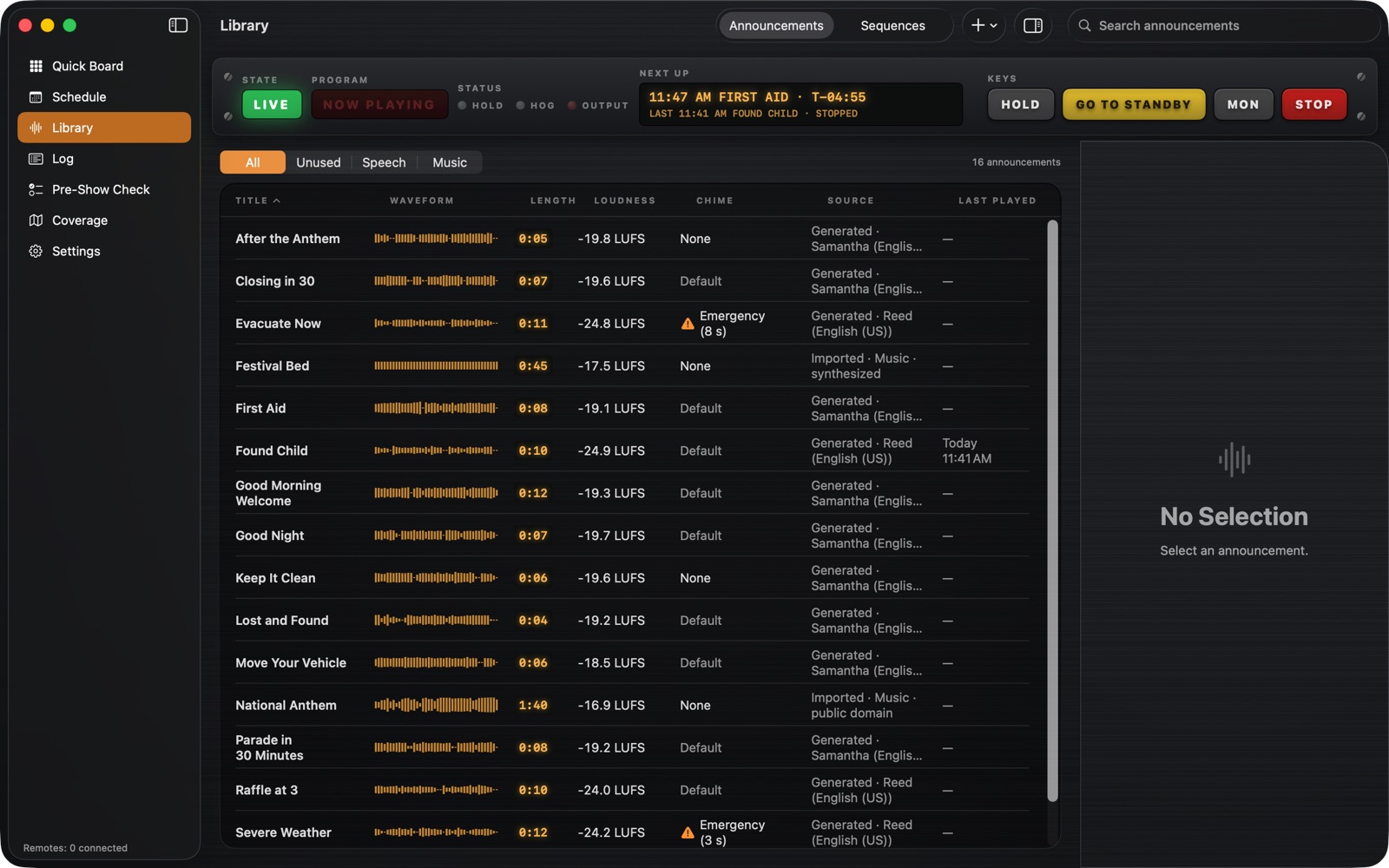
Import, record or type it.
Bring in audio files, record at the Mac, or type the words for a computer voice to read. Every announcement is measured when it's added, so everything plays at the same loudness.
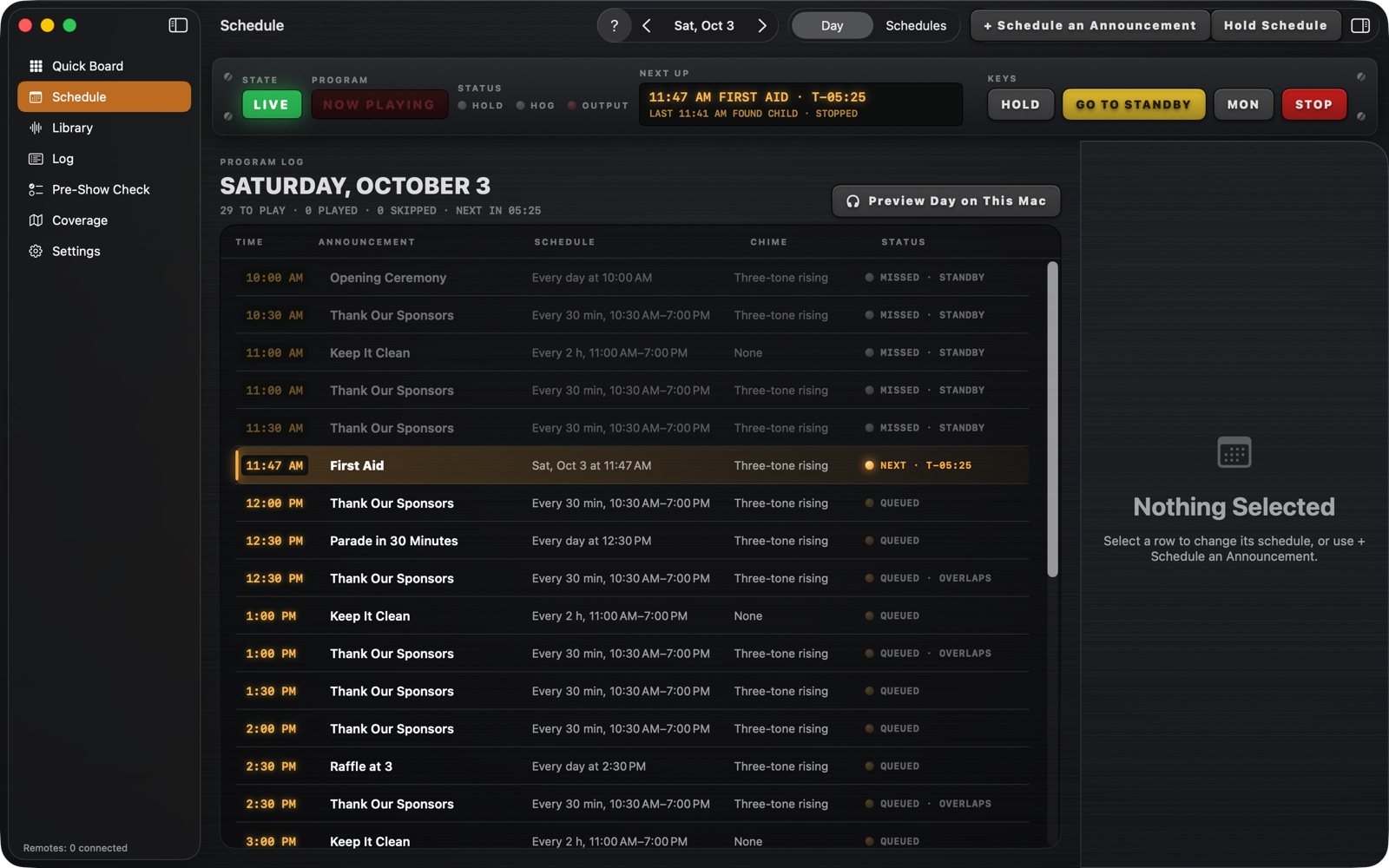
Set the day, then walk away.
Once, daily, on certain days, or every few minutes between two times. If something else is playing, a scheduled announcement waits its turn, and one that's too late is skipped rather than played at the wrong moment.
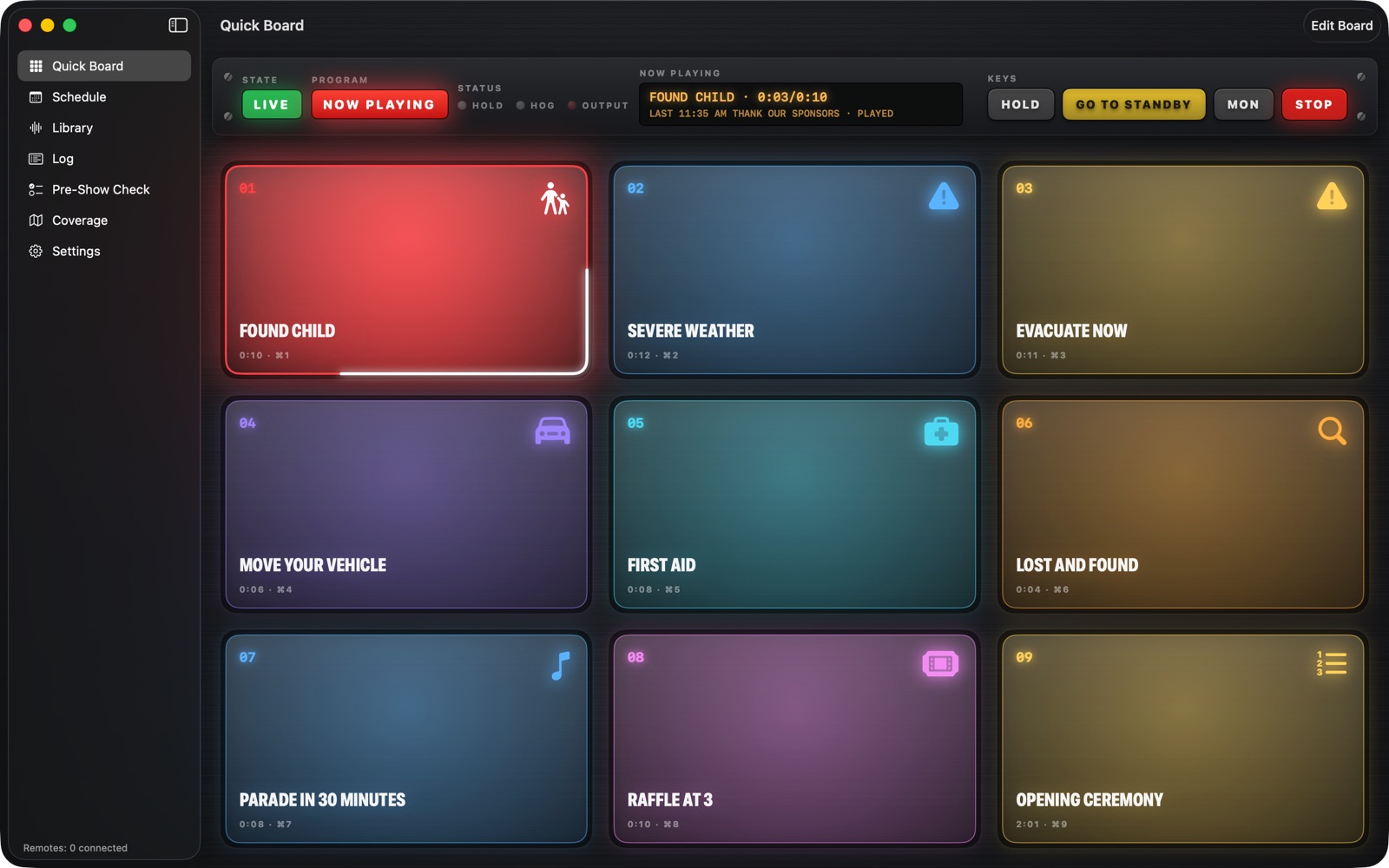
Nine big buttons for what can't wait.
Lost child, severe weather, move your vehicle. Or a sequence: the welcome, the anthem, then a step that waits for you to press GO before the next part plays.
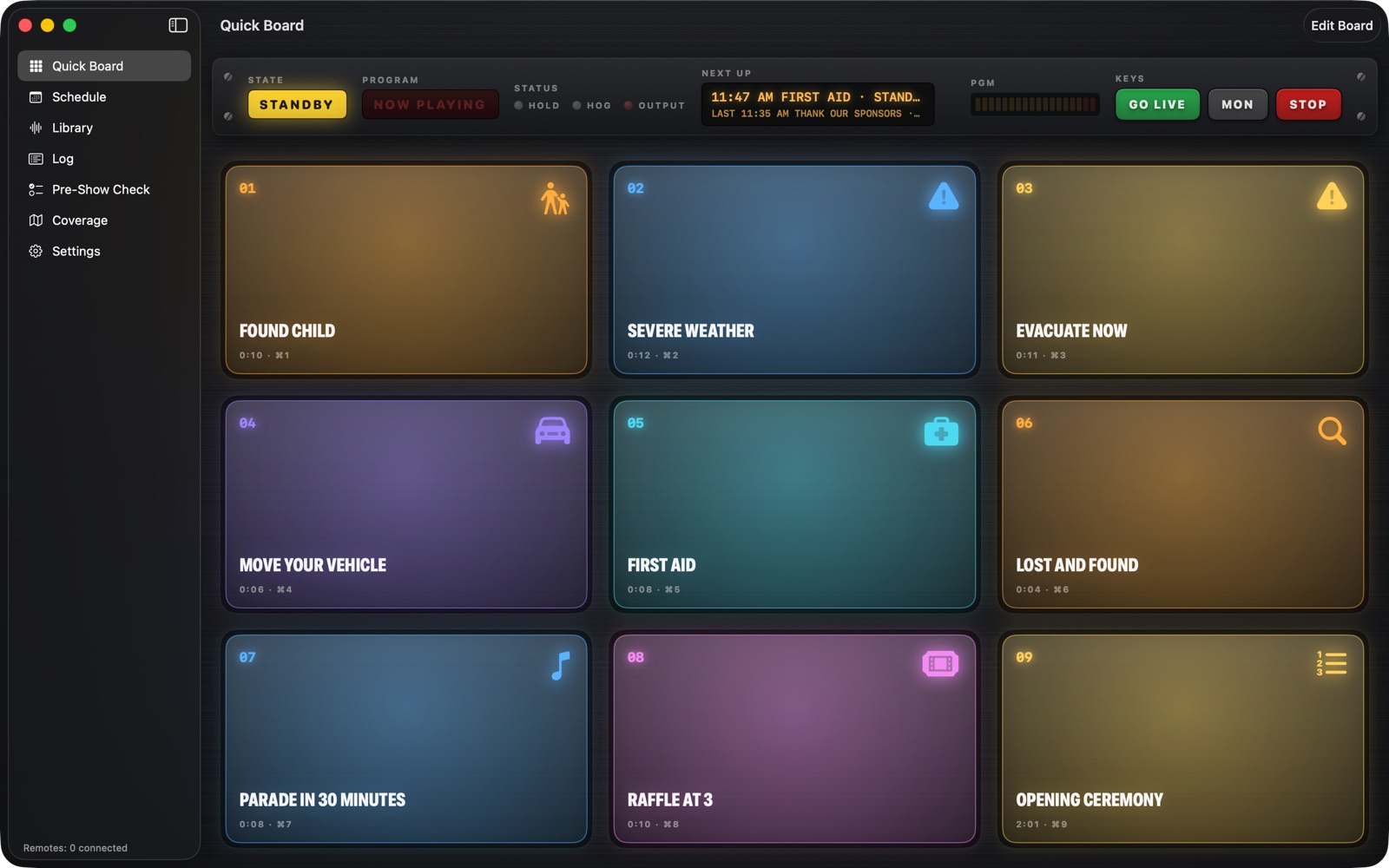
Only your announcements reach the PA.
Press Go Live and email chimes, alerts and videos stay on the Mac's own speakers while your announcements go to the PA. Press Go to Standby and the Mac's sound goes back the way it was.
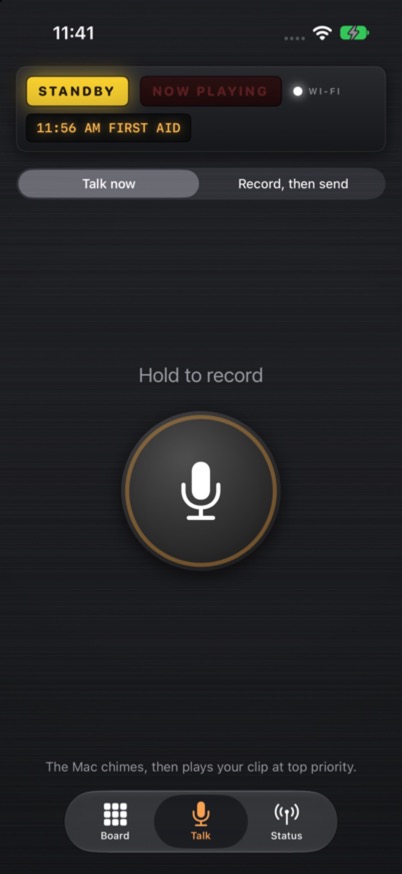
Run it from your pocket.
Pair an iPhone by scanning a QR code on the Mac. Play announcements, talk live or Go Live from anywhere at your event, over the Wi-Fi or over the internet. Free on iPhone. Coming soon to the App Store.
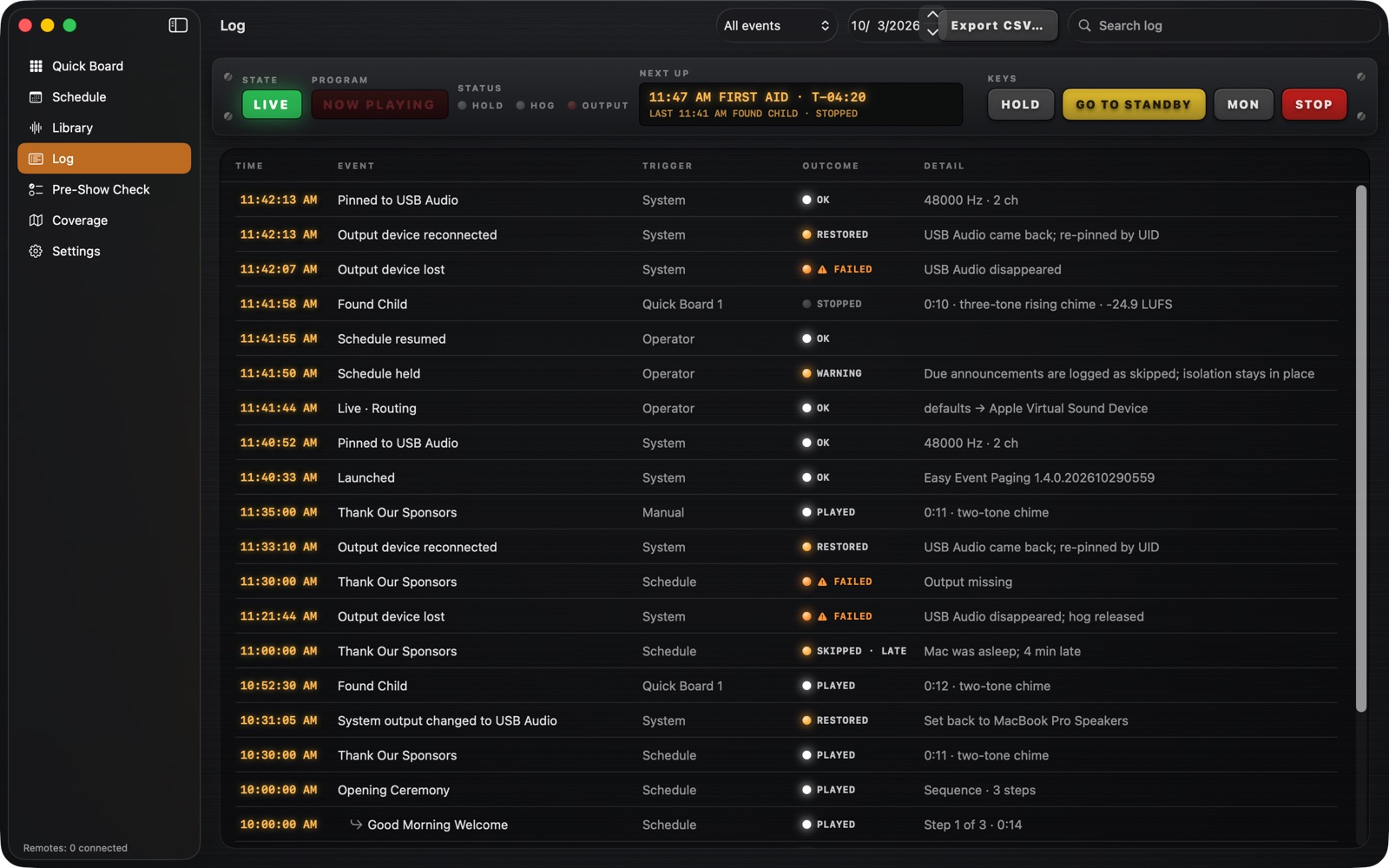
Know it's right. See what happened.
Pre-Show Check says in plain words what must be right before you start, and what to do about anything that isn't. The Log shows what played, when and why, and anything that went wrong.
And a lot more.
Same loudness, every time
Each announcement is matched in level, so nothing booms or whispers.
Type it, hear it
No recording handy? Type the words and a computer voice reads them.
Chimes
A chime before each announcement gets the crowd's attention. Pick one, or turn it off.
Emergency tone, locked
An attention tone that never plays from the schedule and needs a PIN by hand.
Volunteer lock
Volunteers can play and stop announcements without changing the setup.
Talk live
Talk from the iPhone, or from a mic on the Mac. Feedback control keeps the squeal down.
Hear what the PA hears
Listen on headphones to exactly what's going out, and nothing else.
Zones
Different announcements in different areas at the same time, with more than one USB box.
Any output
A USB audio box, a Bluetooth speaker or an HDMI output can be the PA.
Stream Deck, MIDI and Shortcuts
Press a hardware button or run a Shortcut to play, stop or Go Live.
Plan your speakers
Place poles and aim horns on a map, check the amp, and print the work order.
Ready after a restart
If the Mac restarts during an event, it can Go Live again by itself.
What you need
A Mac on macOS 14 or later: a MacBook you bring along, or a Mac mini for a permanent install. A USB audio adapter such as the Behringer UCA202, about $30, into your amp's AUX input. Your wireless mic stays plugged into the amp, as it is today. An iPhone is optional.
Try it at your next event.
$299 for the first year, then $149 a year for updates and the iPhone Remote.
Stop renewing and your version keeps working.